Does TikTok have a boomerang filter?
TikTok doesn’t document one. Its editing help lists trim, Split, rearrange, zoom and Speed, and its effects pages don’t list a boomerang or reverse effect. Make the boomerang first and upload it.
Free · runs in your browser
TikTok’s current editor documents trim, split and speed, but not reverse. Build the boomerang first, then upload it as a 9:16 video.
The dependable way to put a boomerang on TikTok is to make it before you open TikTok: bounce the clip here as a 9:16 MP4, save it to your phone, then tap + in TikTok and Upload it. TikTok’s own help pages describe trimming, Split and Speed in the editor, but no reverse or boomerang tool, so the forward-and-back loop can’t be built reliably inside the app.
Older tutorials point to a Reverse option under Effects → Time. Some versions of the app may still have it, but TikTok doesn’t document it any more, and it reverses the whole clip rather than playing forwards then backwards. Making the boomerang first also lets you choose the exact moment, the speed and the number of bounces, and then add TikTok sounds and text on top as usual. For a reverse-and-duplicate approach in an editor, see the CapCut guide.
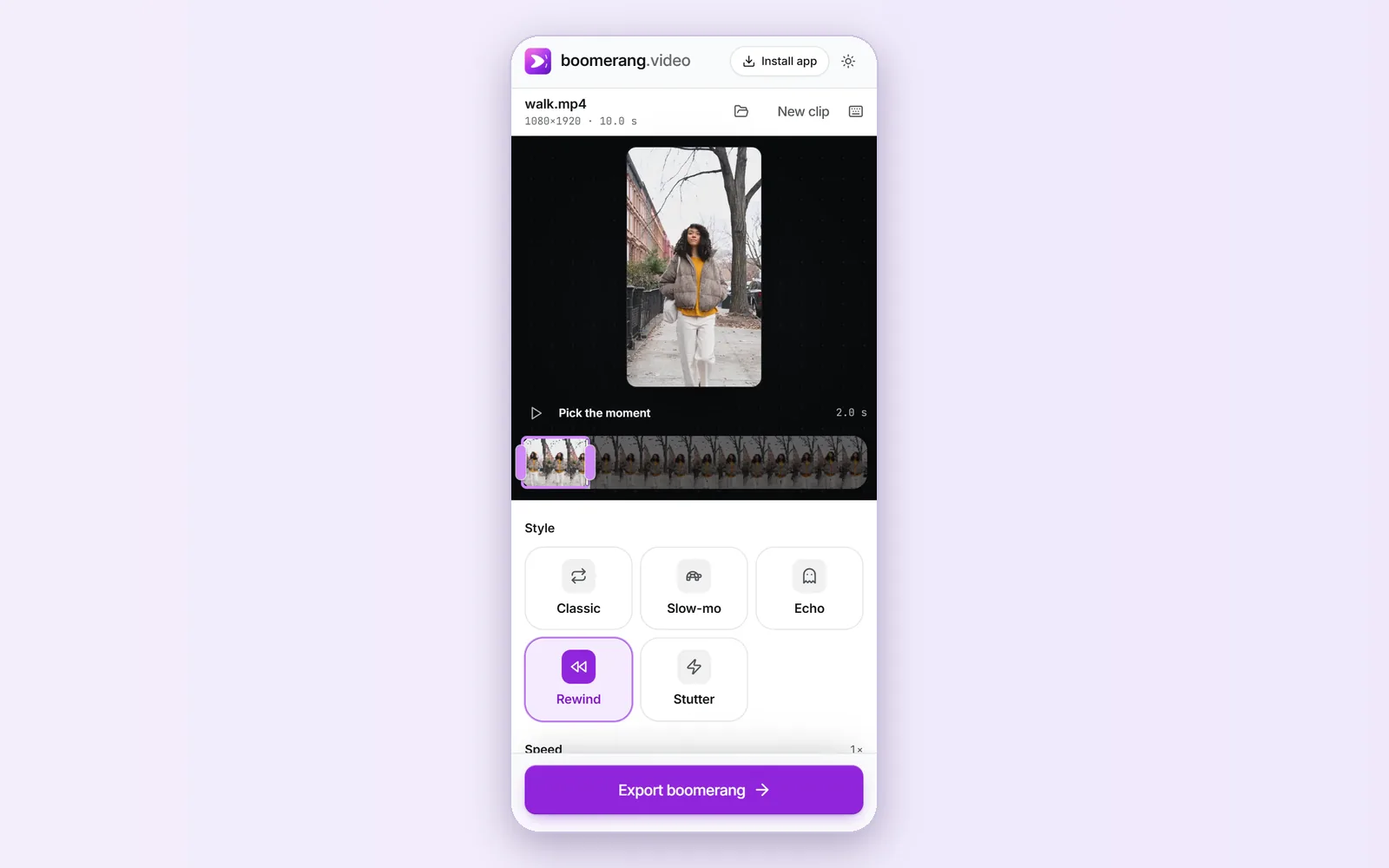
Open your clip here, drag the window on the strip to the moment, set Shape to 9:16 and choose a Style. Under Export settings, raise Loop to 4 or 5 Bounces; TikTok loops videos anyway, but a few bounces make it read clearly.
 (enlarge image)
Rewind chosen for a portrait clip, which is already 9:16.
Press Export boomerang, then Share or save to Photos, and save the video.
In TikTok, tap +, then Upload, and pick the boomerang from your gallery.
Add a sound from TikTok’s library, text or stickers as you would for any video. The boomerang’s own audio is off unless you turned Sound on before exporting.
According to TikTok’s help pages on editing, the clip tools are trimming, Split, rearranging clips, zoom and Speed (Normal or Curve). Those are useful around a boomerang (speeding it up, or cutting it into a longer edit), but none of them plays a clip backwards.
If your version of the app shows Effects → Time → Reverse, you can build a rough boomerang by recording the moment twice in one video and reversing a copy, but third-party guides report it reverses the picture only, and the result depends on the app version. Making the loop first is quicker and works the same on every phone.
A short boomerang works well as an opening hook or a beat-matched cut between longer shots.
TikTok doesn’t document one. Its editing help lists trim, Split, rearrange, zoom and Speed, and its effects pages don’t list a boomerang or reverse effect. Make the boomerang first and upload it.
Older guides place it under Effects → Time. It isn’t in TikTok’s current help pages, so it may be missing in your version. A boomerang made here doesn’t depend on it.
TikTok replays videos automatically in the feed, so even one bounce loops. A few bounces in the file make the effect obvious before the replay.
Yes. Upload the boomerang, then add a sound in TikTok’s editor as usual. Keep Sound off when you export here so the clip’s own audio doesn’t compete.
Only if you still have the original video on your phone. Open it here, pick the moment, export and upload it as a new post.