What is Bounce on Snapchat?
A playback mode for video Snaps that plays a chosen part back and forth, Snapchat’s version of a boomerang. You switch it on from the repeat icon after recording.
Free · runs in your browser
Snapchat calls it Bounce. Record a video Snap, switch its playback mode to Bounce, and choose the part that plays back and forth.
On Snapchat, a boomerang is a Bounce Snap: press and hold the capture button to record a video Snap, tap the Bounce playback mode button, and use the Slider to choose the part that plays back and forth. Send it or post it to your Story as usual.
Bounce works on Snaps you have just recorded, and Snapchat trims long Snaps to its maximum Bounce length. To bounce a video that isn’t a fresh Snap, or to keep a boomerang as a file for other apps, make it here instead and save it to your camera roll. The no-Instagram guide explains which file format to pick for each app.
Steps from Snapchat Support. Icons can differ slightly between iPhone and Android versions.
In the Snapchat camera, press and hold the capture button to record.
On the preview screen, tap the playback mode button (the repeat icon) until it shows Bounce. The other modes play the Snap once or loop it in one direction.
Use the Slider that appears to choose the section of the Snap that plays back and forth.
Send it to friends or add it to your Story.
Snapchat Support describes where saved Snaps go: in Settings, under Memories, set the Save Button to Memories, Memories & Camera Roll or Camera Roll. To save a Snap that’s already in Memories, press and hold it, then choose Export.
Snapchat doesn’t say whether an exported file keeps the Bounce playback mode or saves the plain recording. If your saved copy plays straight through, open it here, drag the window to the same moment and export a boomerang that bounces in any app.
Bounce is a playback mode for Snaps recorded in the camera. For a video from your camera roll, a screen recording or an older clip:
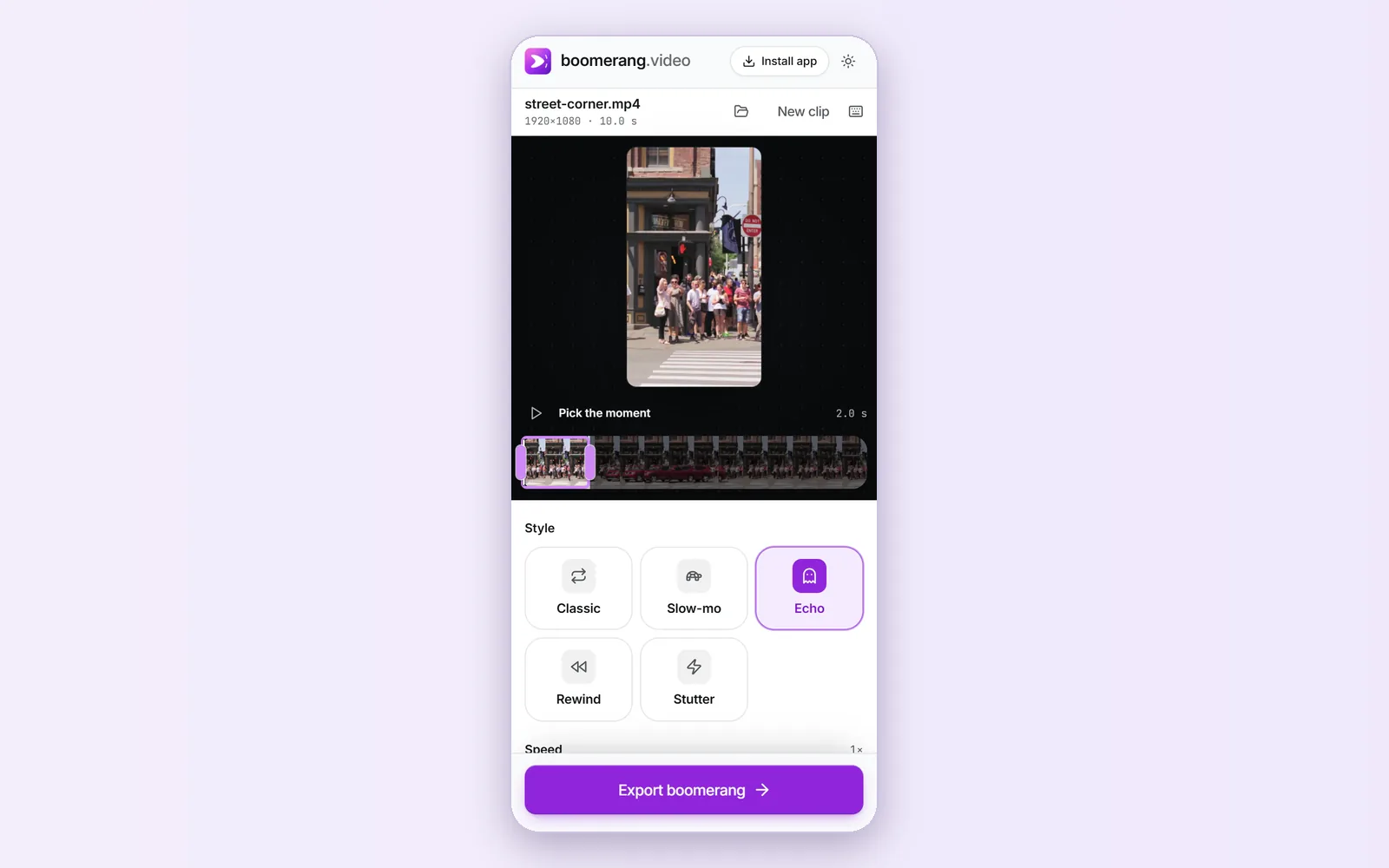 (enlarge image)
A landscape clip cropped to 9:16 with Echo, ready for a Snapchat Story.
Bounce is the quickest option when you’re already in Snapchat and filming now. Making the boomerang here adds control: speed from 0.25× to 4×, ease at the turn, a slow-motion section, echo trails and a rewind look, the shape you want, and a file you keep as MP4, GIF or WebP.
A playback mode for video Snaps that plays a chosen part back and forth, Snapchat’s version of a boomerang. You switch it on from the repeat icon after recording.
Snapchat limits how long a Bounce can be and trims longer Snaps to that maximum. Use the Slider to pick which part is kept.
Snapchat documents Bounce for Snaps recorded in its camera. For a camera-roll video, make the boomerang here and send it from Memories → Camera Roll.
Tap the same playback mode button until it shows the loop option, which repeats the Snap in one direction until your friend closes it.
Snapchat doesn’t document how Bounce treats sound. Boomerangs made here are silent by default; turn on Sound under Export settings to keep the audio.