Where is Boomerang on Instagram now?
In the Story camera: tap Options on the left, then Boomerang. If you don’t see it, update the app; Instagram moves camera modes around between versions.
Free · runs in your browser
Instagram’s Story camera films new boomerangs. For a clip already on your phone, make the boomerang first, then post it as a Story or Reel.
To do a boomerang on Instagram, open the Story camera, tap Options on the left, tap Boomerang, then tap the circle at the bottom. Instagram takes a quick burst of photos and plays it forwards and backwards on a loop, ready to share to your Story.
That only works for moments you film there and then. Instagram has no tool for turning a video already in your camera roll into a boomerang, and the Reels editor has no reverse. For those clips, make the boomerang here (a 9:16 MP4 takes a few seconds) and upload it to your Story or a Reel like any other video. The slow-motion guide covers the slow look many people go for.
From Instagram’s Help Centre. The camera’s layout changes from time to time; the labels below are the current ones.
Swipe right from your feed, or tap + and choose Story.
Tap Options on the left of the camera to see more capture modes, then tap Boomerang.
Tap the circle at the bottom. Instagram takes a burst of photos that loops forward and backward. Try again until the movement fits inside the capture.
Before posting, tap Save at the top of the screen to keep a copy on your phone. Then share it to your Story.
After you capture a Boomerang, recent versions of the app show an infinity icon at the top with effect options, commonly listed as Slo-mo, Echo and Duo, plus a slider to trim the loop. Instagram’s Help Centre doesn’t document these, so they may change or move.
This site has its own, separately designed styles that cover the same ground on any clip:
The MP4 repeats the bounce three times by default, a common length for a Story. For a Reel you can raise Loop to more Bounces or set a Length in seconds.
Instagram’s Reels editor has trimming, speed and other tools but no reverse, and its old Rewind camera mode is gone. Without reverse playback there is no way to build the backward half inside the app.
 (enlarge image)
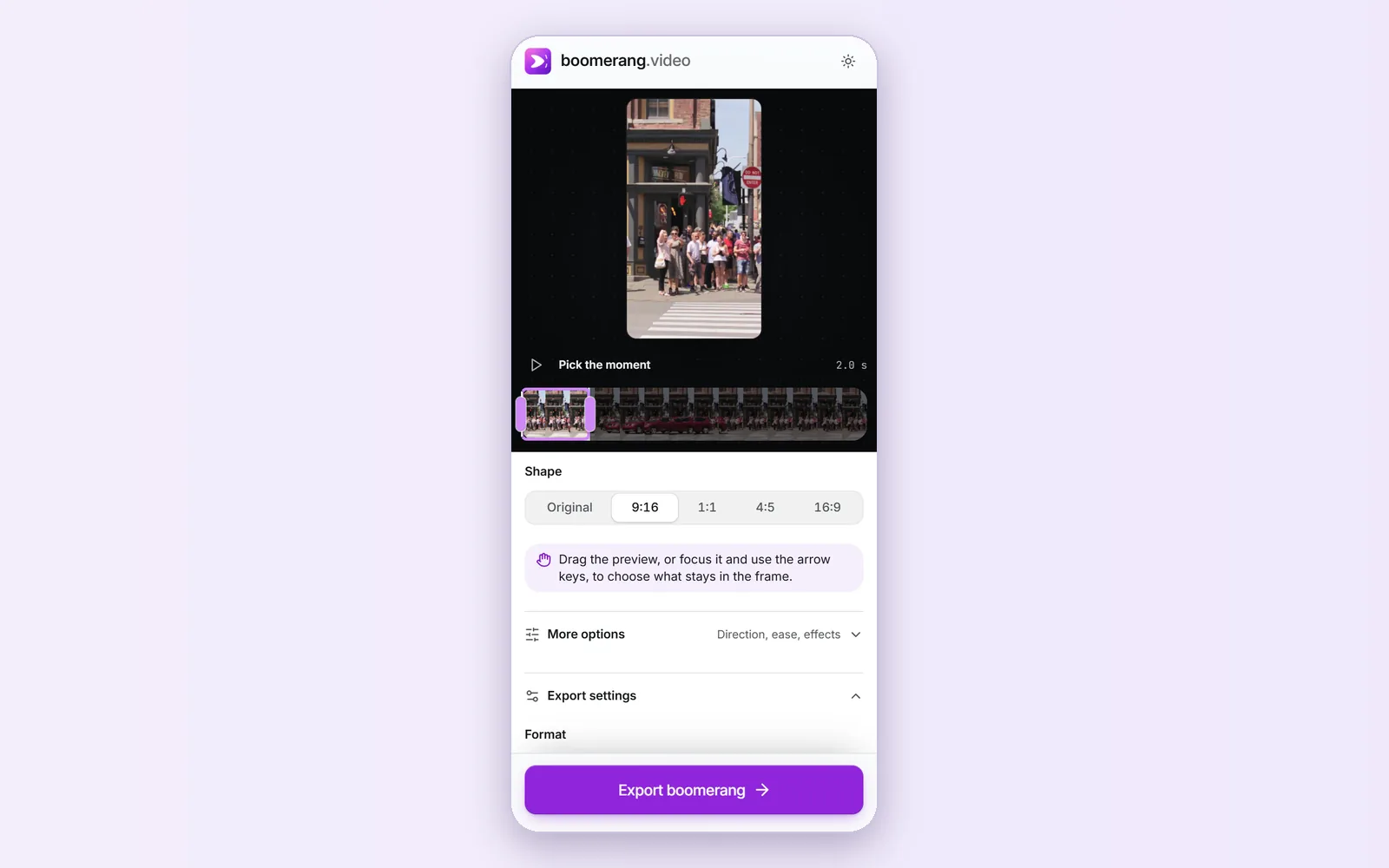
Shape set to 9:16: drag the preview to choose what stays in the frame.
Instagram’s Help Centre describes two ways. Before posting, tap Save at the top of the screen. After posting, open your story, tap Options, then Save… and Save photo/video (or Save story to save the whole story as one video). The saved file is an ordinary video, so it keeps bouncing anywhere you send it.
In the Story camera: tap Options on the left, then Boomerang. If you don’t see it, update the app; Instagram moves camera modes around between versions.
Not inside Instagram. Make the boomerang from the video on this site, then upload the MP4 to your Story or a Reel.
Instagram doesn’t publish an exact figure; it captures a short burst, about a second, and loops it. On this site you choose 0.4 to 6 seconds of your clip, and the export can repeat the bounce up to 10 times.
Yes. Export an MP4 here with Shape set to 9:16 and add it to a Reel from your gallery. Raise Bounces under Export settings if you want it to last longer.
Instagram Boomerangs are silent. Exports from this site are silent by default too; turn on Sound under Export settings if you want the clip’s audio to bounce along.
No. Layout, also under Options, takes a series of photos and arranges them in a grid. Boomerang makes one looping clip.