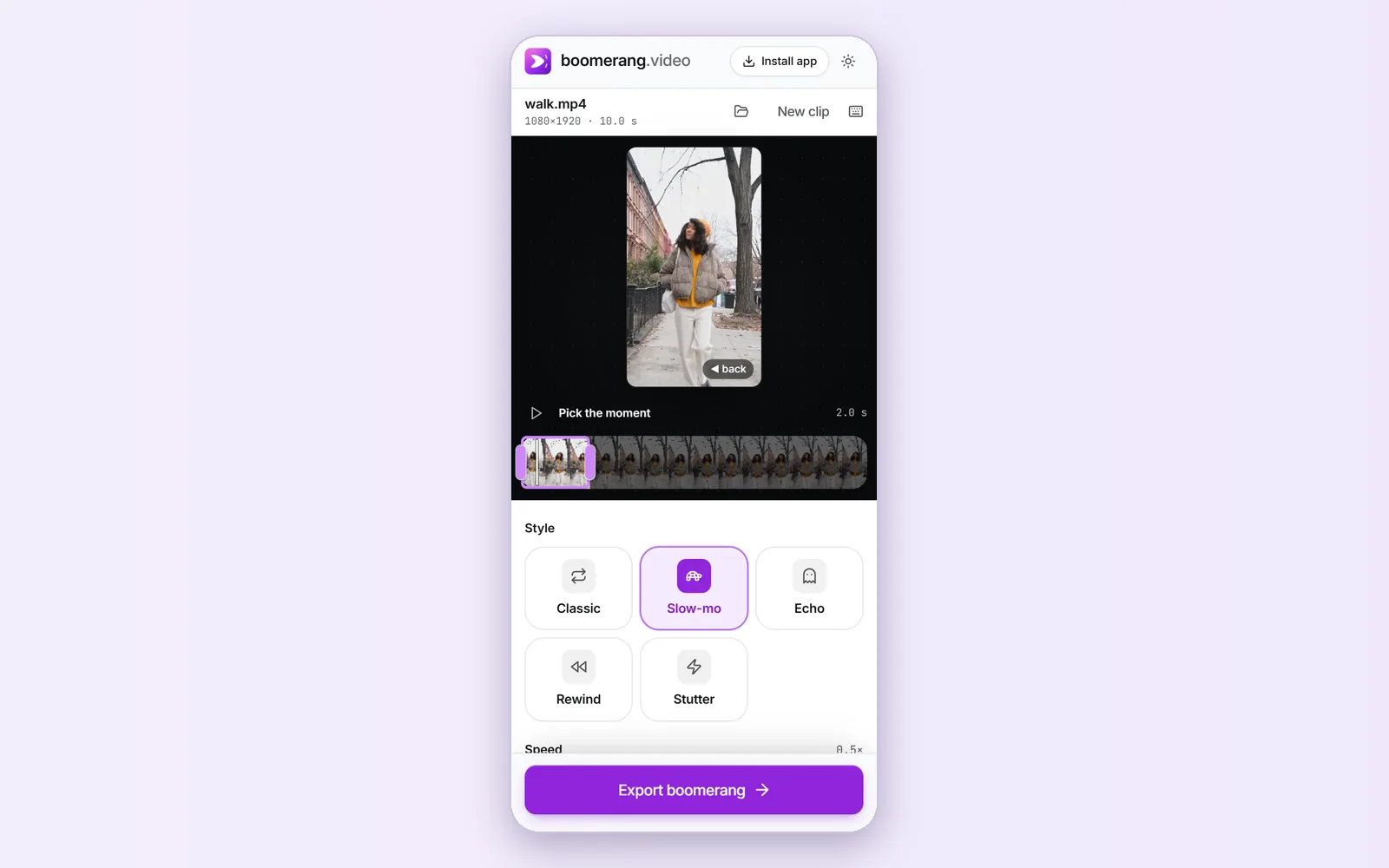
On Android, the built-in boomerang depends on the phone. Recent Samsung Galaxy phones can play a motion photo as a Boomerang in the Gallery app; Google Photos and the Pixel Camera have no boomerang or bounce effect. On any Android phone, you can make one from a video in Chrome: open this site, choose the clip, pick the moment and export.
The Chrome route also works for clips that were never motion photos: something you filmed last month, a screen recording, or a video from a group chat. It saves an MP4 or GIF to the phone, and the share sheet can send it straight to Instagram, WhatsApp or TikTok. iPhone owners have a different built-in option, covered in the iPhone guide.